If you know Docker, Podman Desktop will feel familiar. Podman maintains a high level of compatibility with the Docker CLI, so your existing commands and workflows carry over, including networks. On top of that, Podman brings a concept Docker doesn't have: the pod, where containers talk to each other over localhost instead of a network, just like in Kubernetes. You can even run a pod straight from a Kubernetes YAML file with kube play. That's handy for exercising a workload the way it will run in production, but kube play doesn't enforce Kubernetes admission or OpenShift SCC rules by itself, for that you still need a real cluster or a local one like Kind, covered later in this post.
This post walks through networks, pods, and kube play, before landing on one of Podman's key differences from Docker: its rootless design. There's a nuance worth keeping in mind though: while the podman CLI and podman machine init default to rootless, Podman Desktop's "Create a Podman machine" dialog defaults to a rootful connection instead, notably because Kind on Windows requires it.
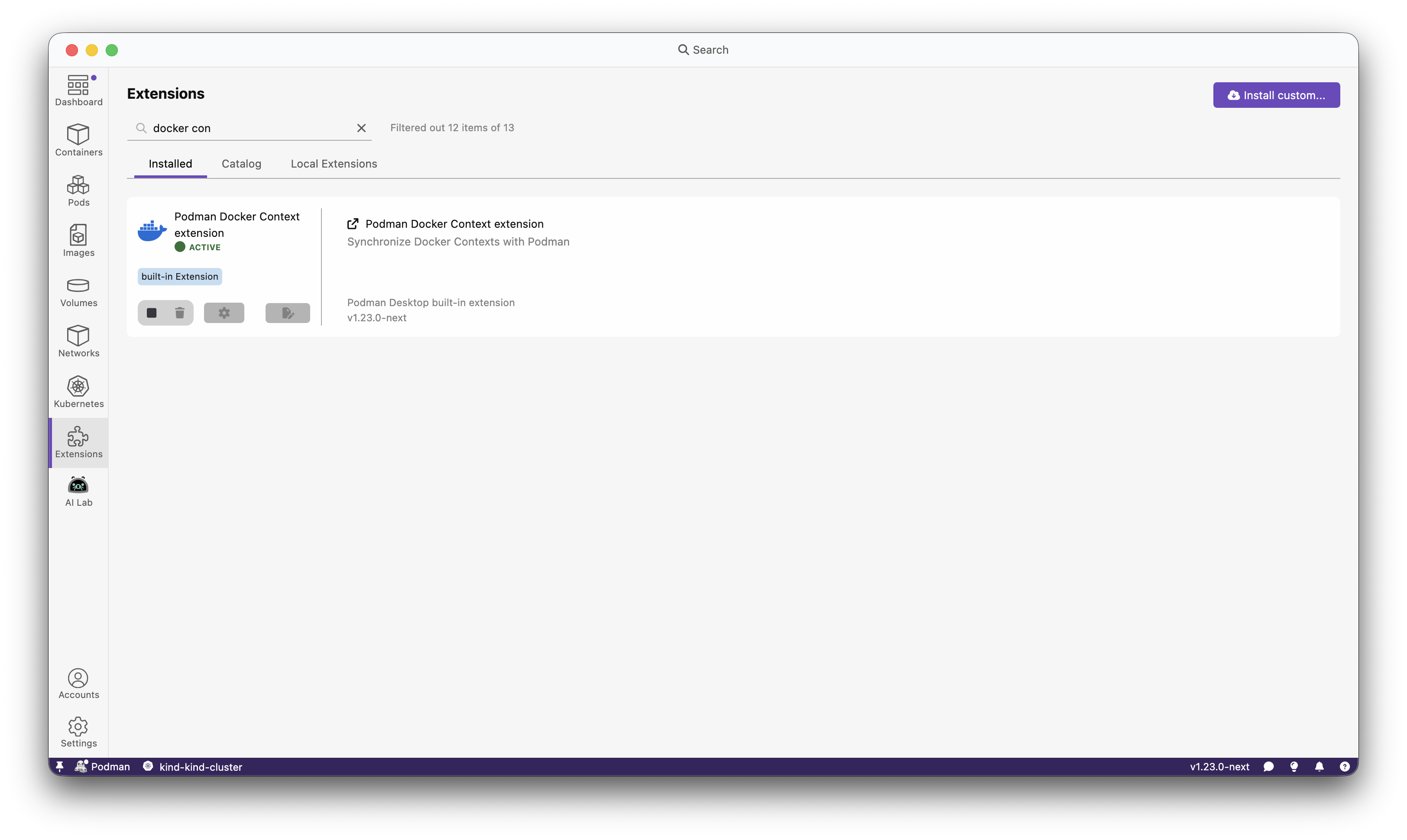
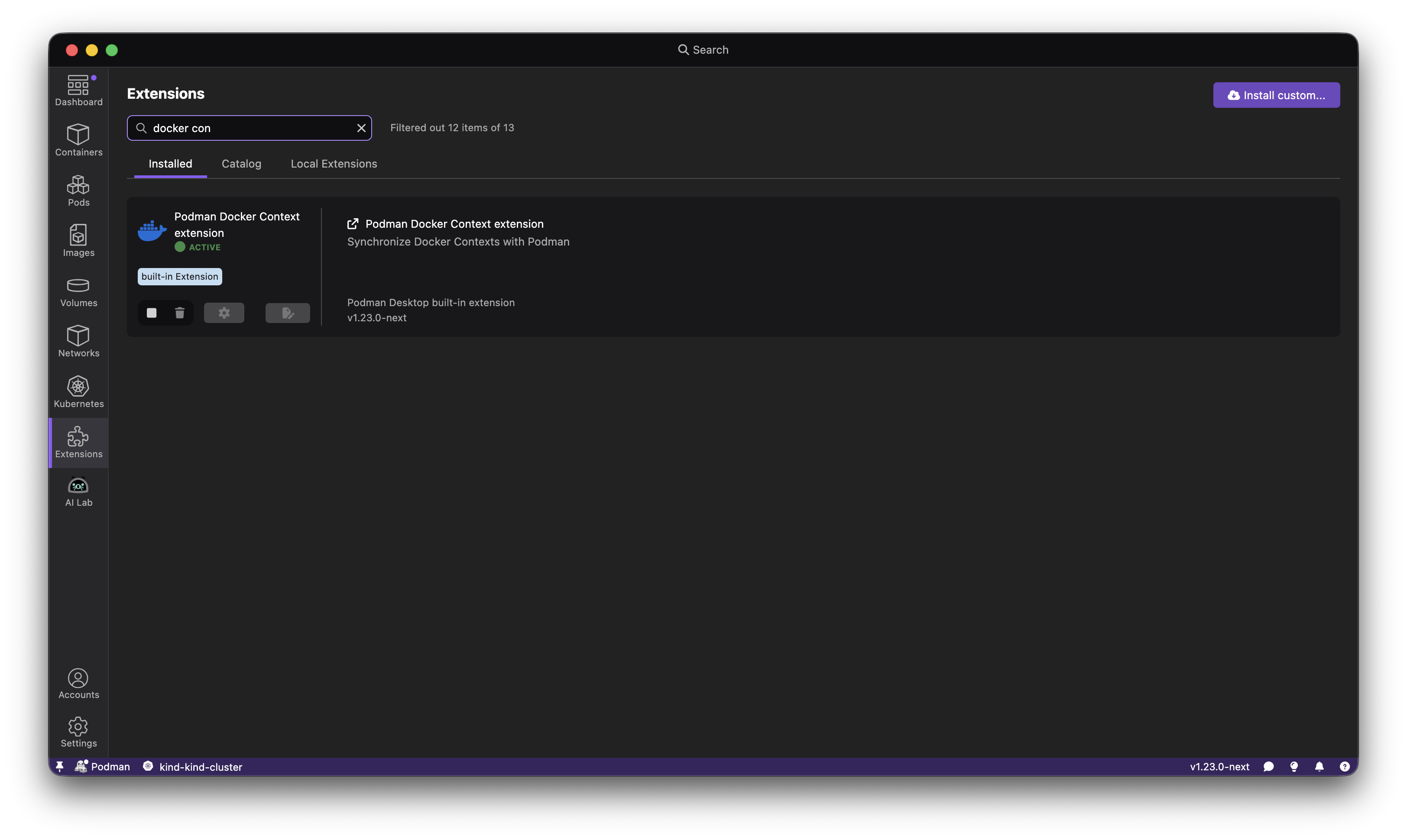
Thinking about switching from Docker Desktop to Podman Desktop? You don't have to commit to anything yet. Podman Desktop ships with a built-in Docker extension that automatically detects your running Docker engine and displays all your Docker containers, images, and volumes right inside the Podman Desktop UI.
No configuration. No migration. Just install and open.
This release brings exciting new features and improvements:
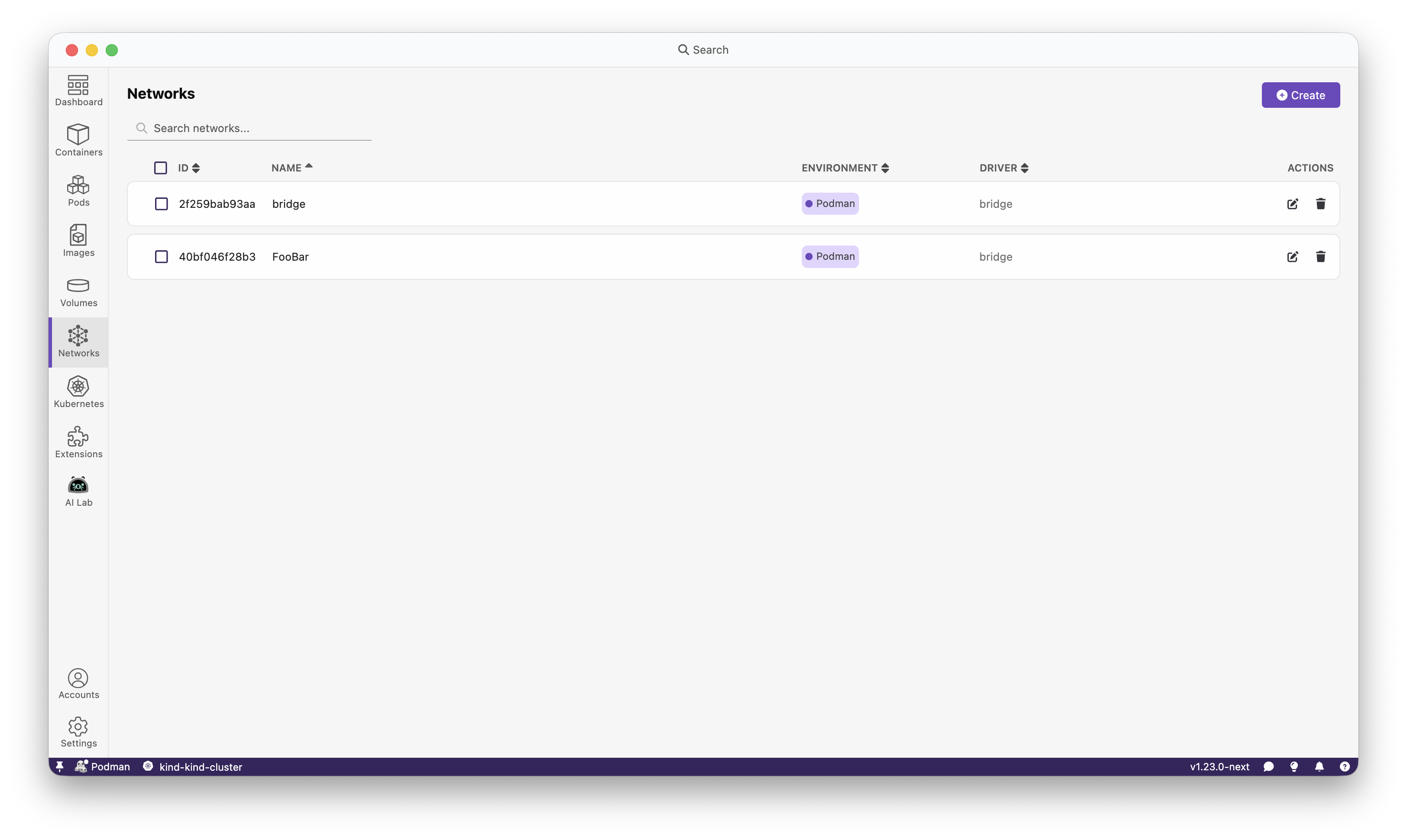
Dedicated network page: Manage networks on their own page. Configure networks entirely without touching the terminal.
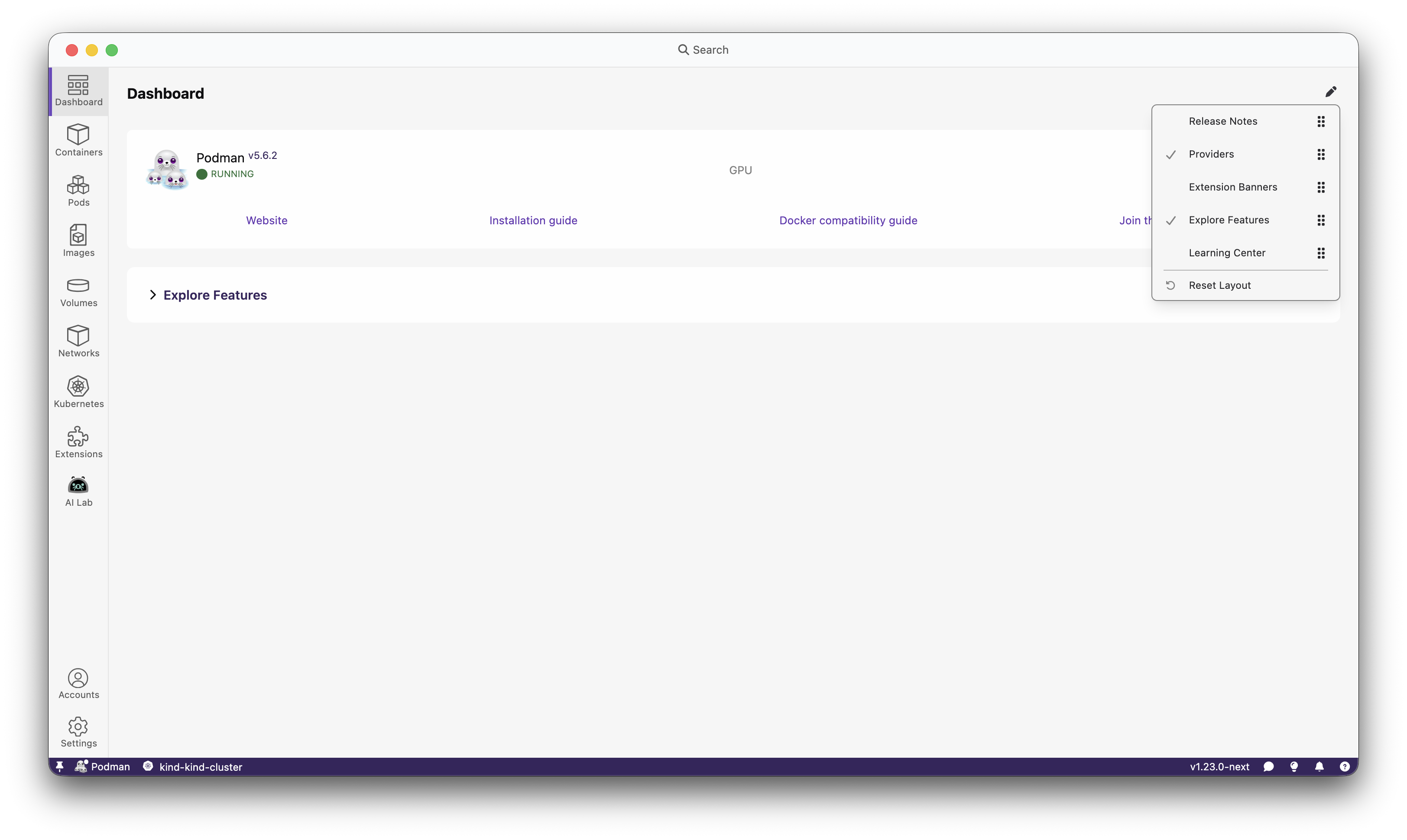
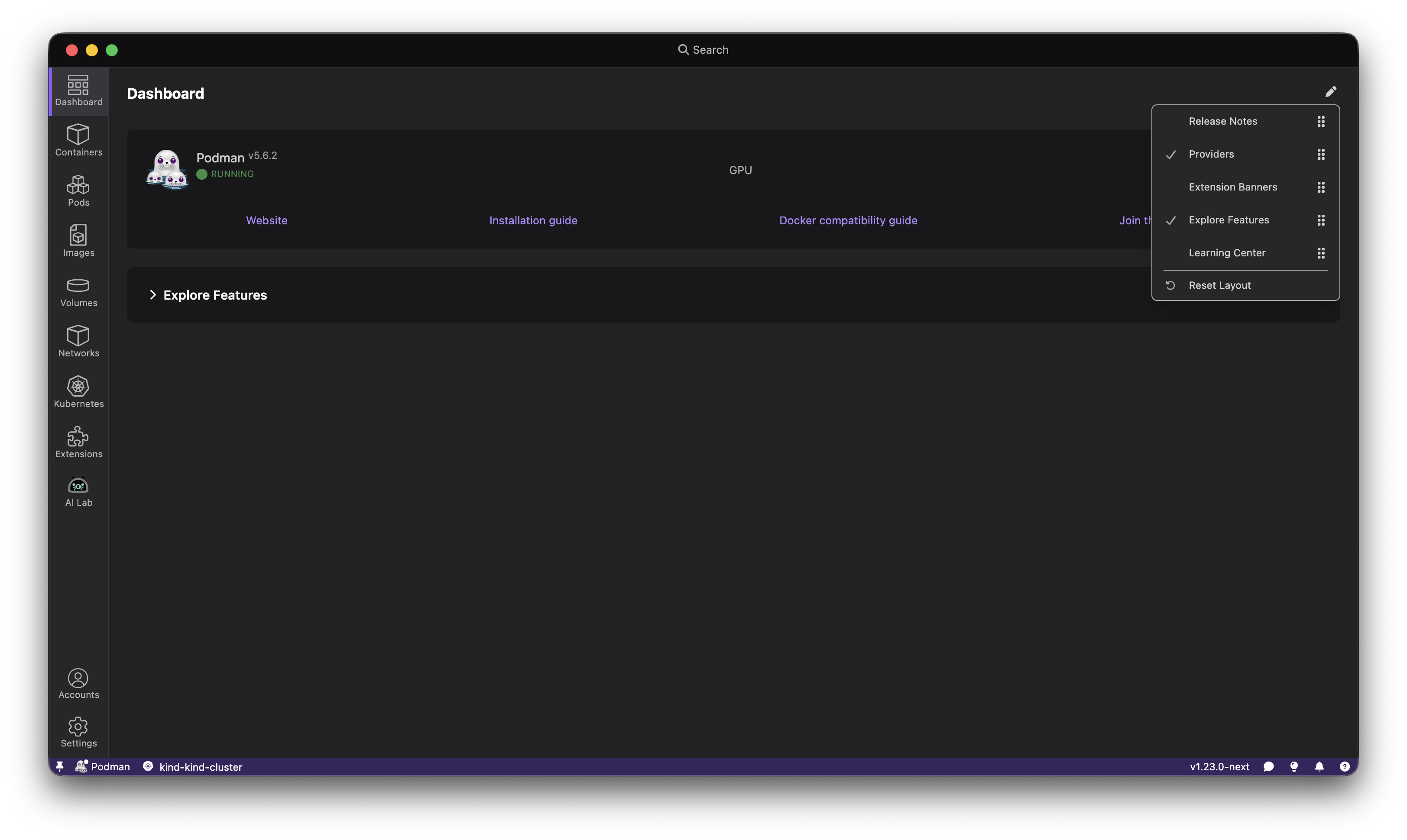
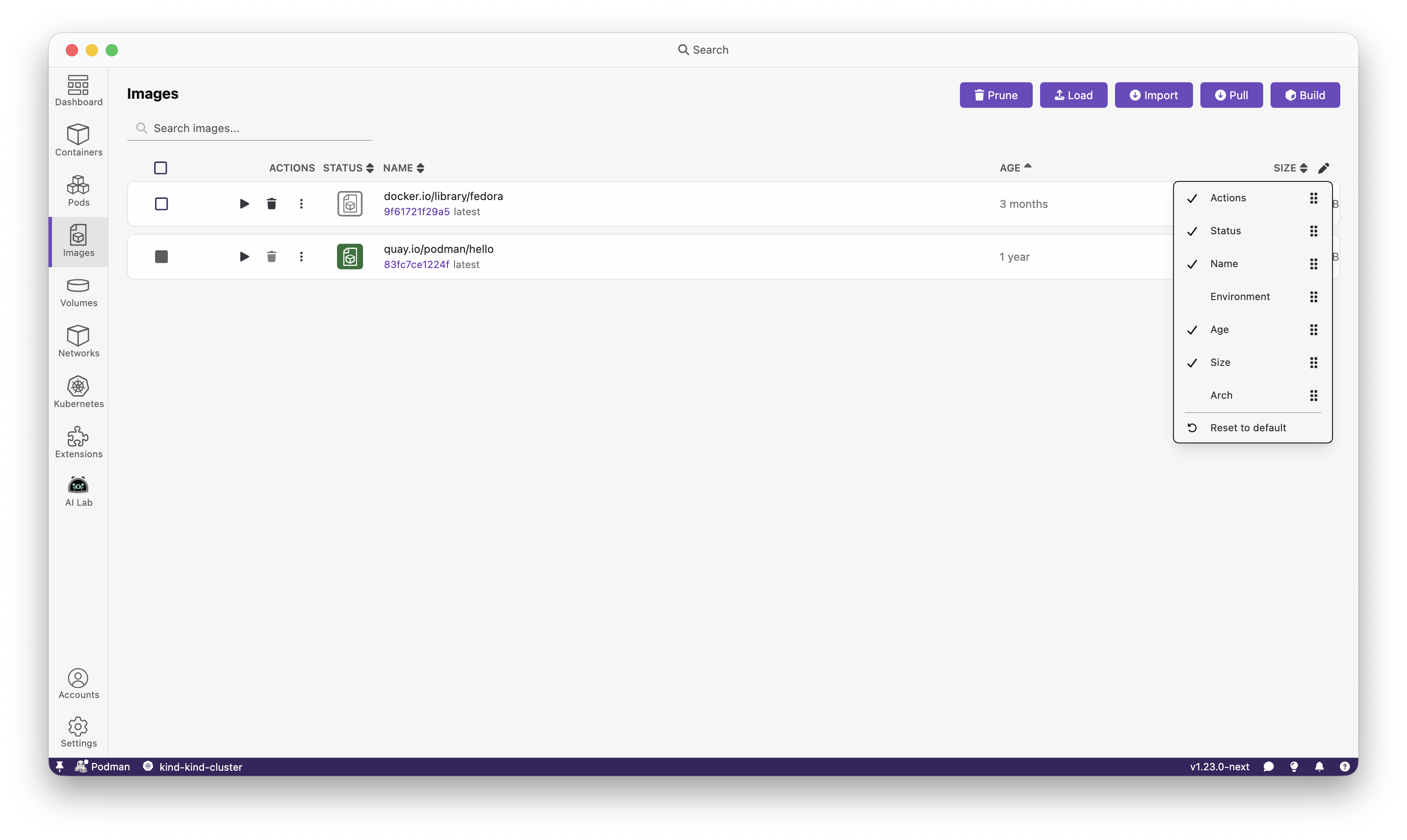
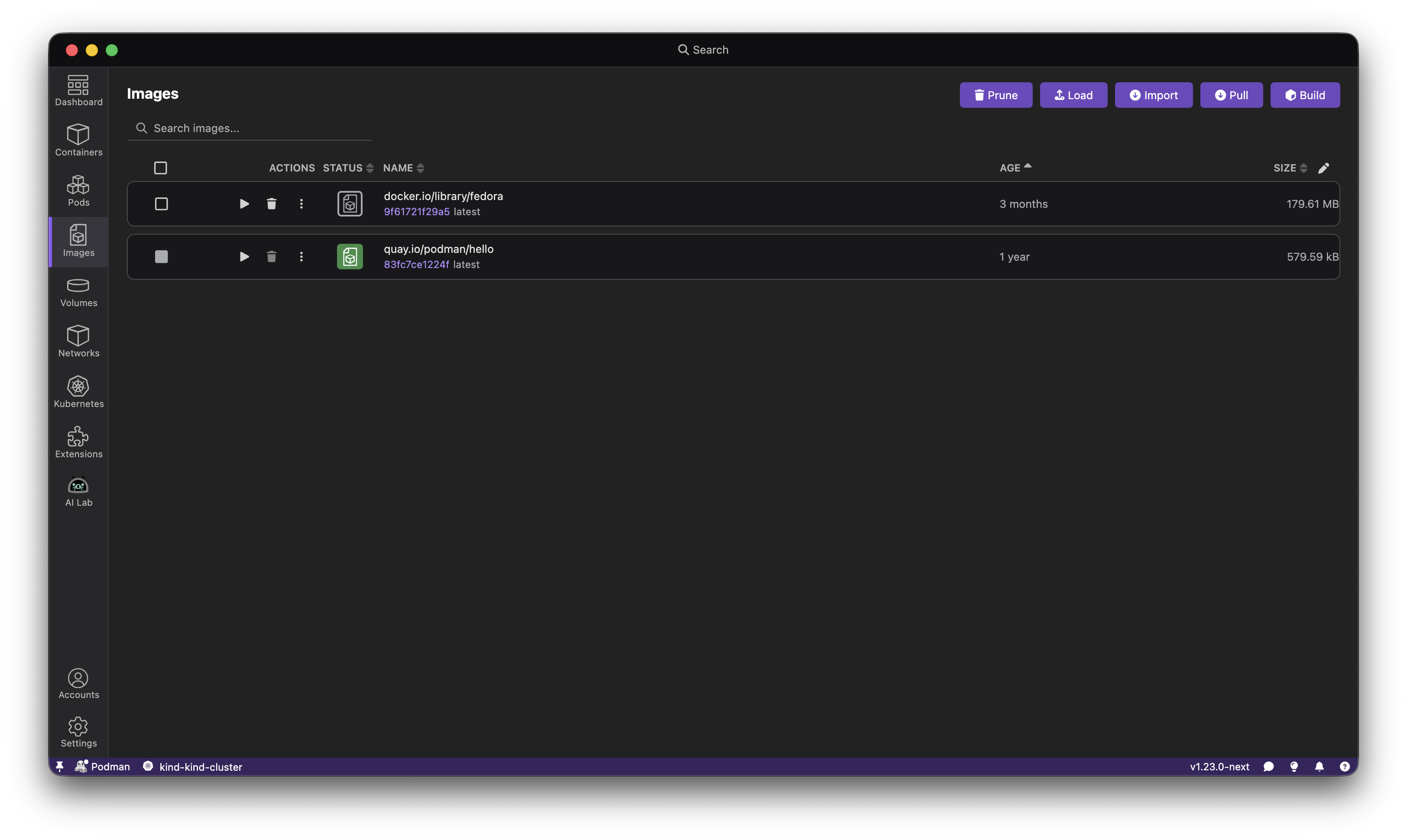
Customizable columns and dashboard sections: Show only what matters to you. Rearrange columns and sections to your liking.
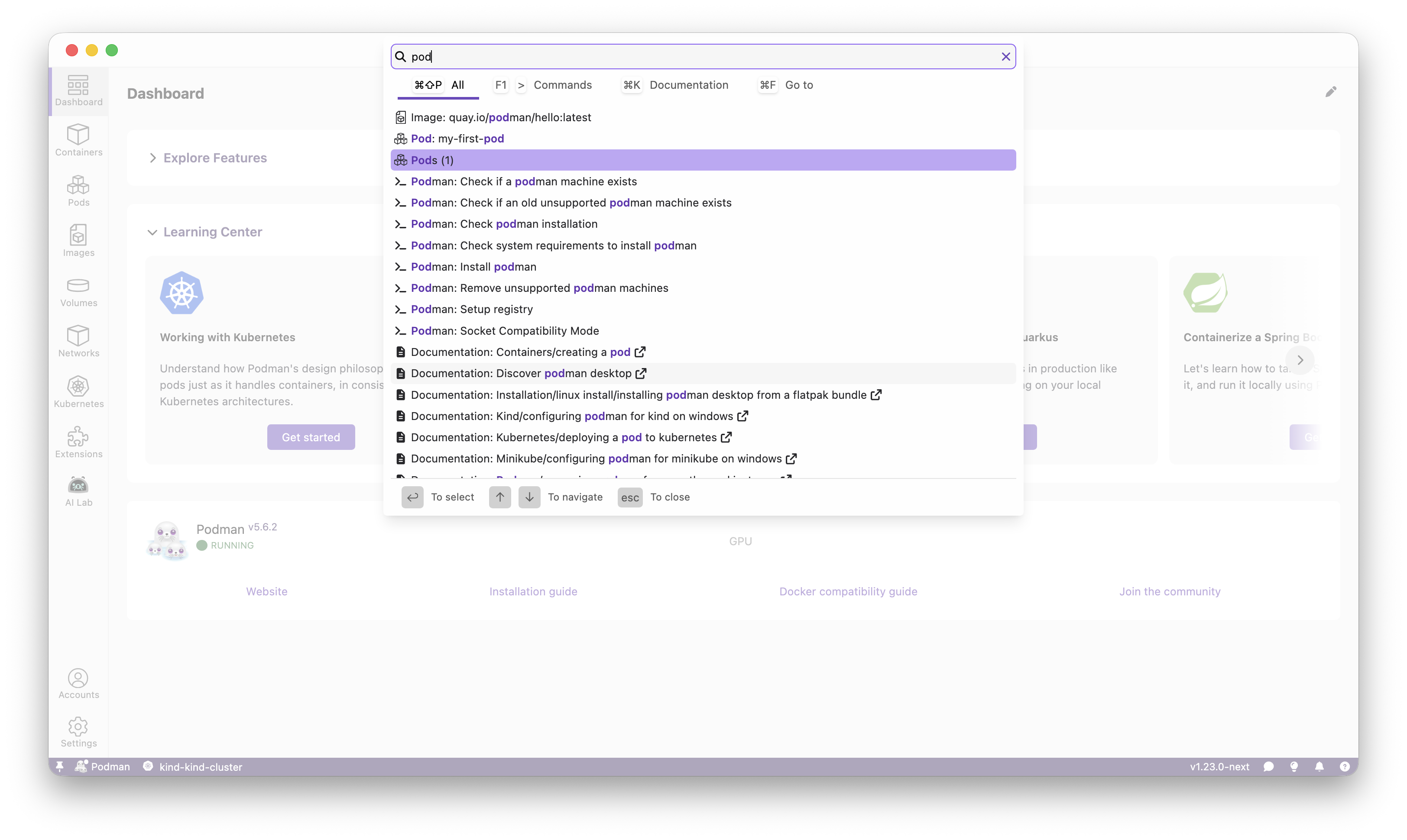
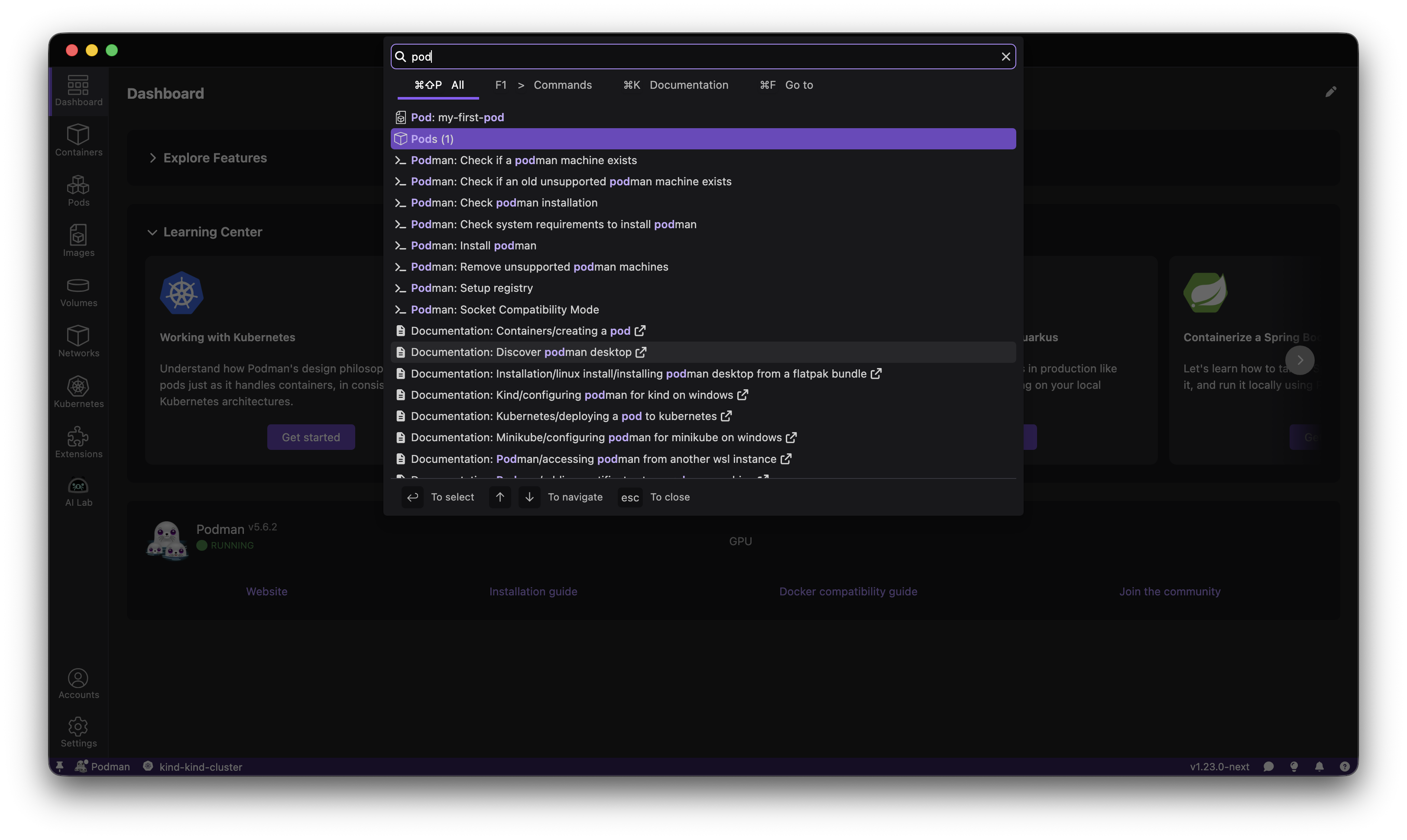
Enhanced search: Find containers, images, and documentation faster without hunting through menus.
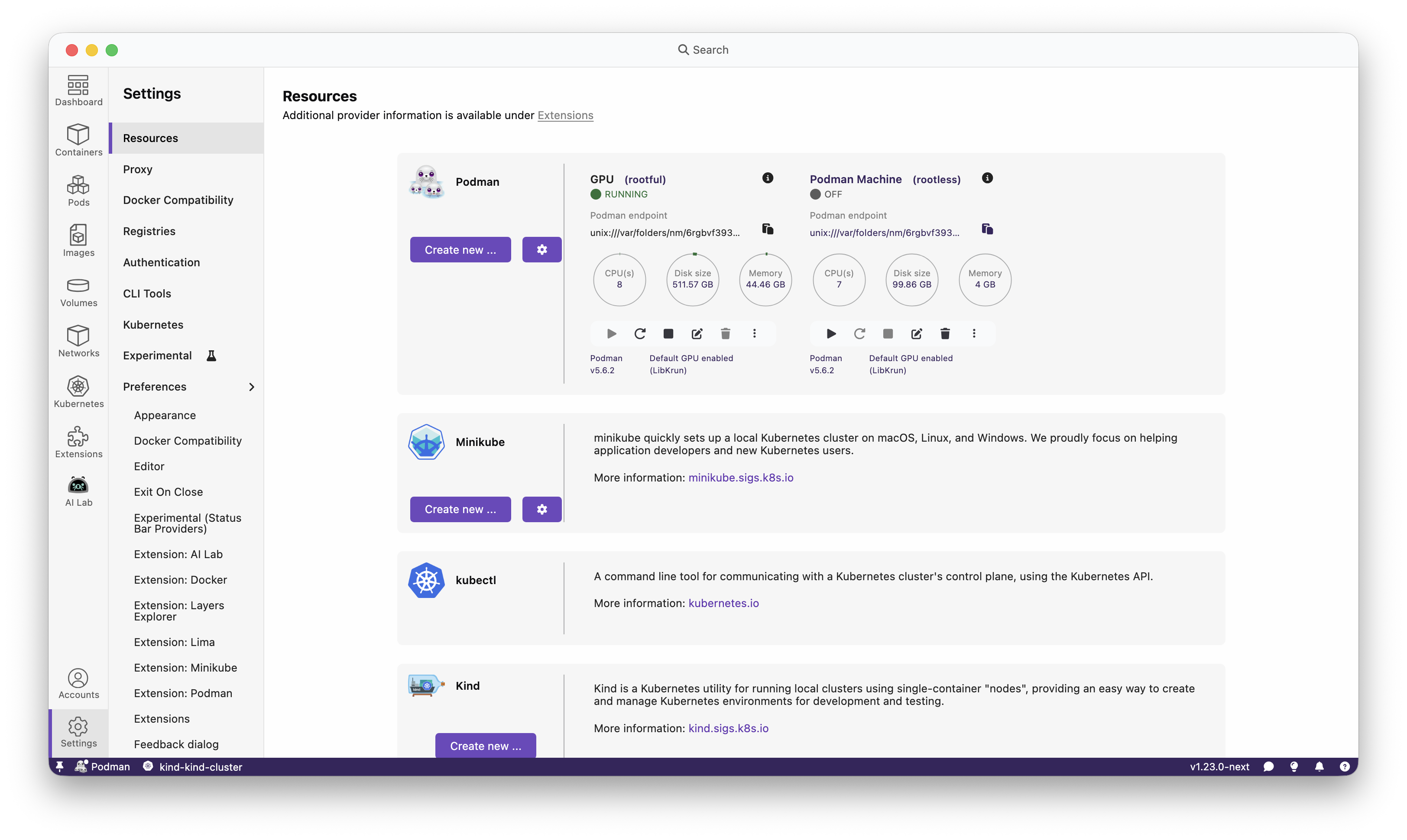
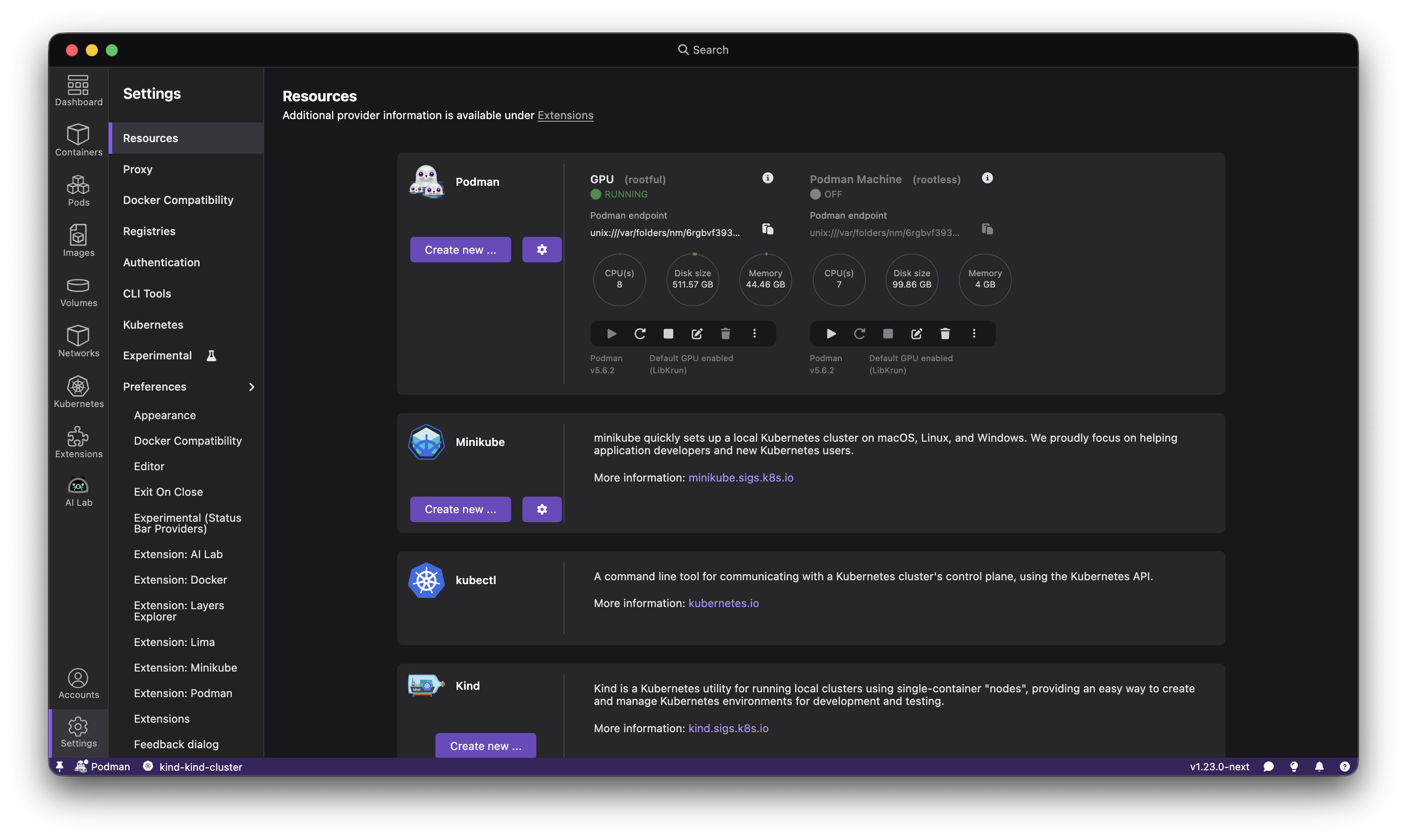
Added rootless or rootful indicator to Podman machines: Adds a visual indication in the 'Resources' section of whether a Podman machine is rootful or rootless.
Support for a managed configuration: IT teams can deploy pre-configured settings organization-wide. Administrators get consistent, ready-to-be-used Podman Desktop with managed settings already set up.
Created Docker context for Podman machine: Improved compatibility with Docker contexts.
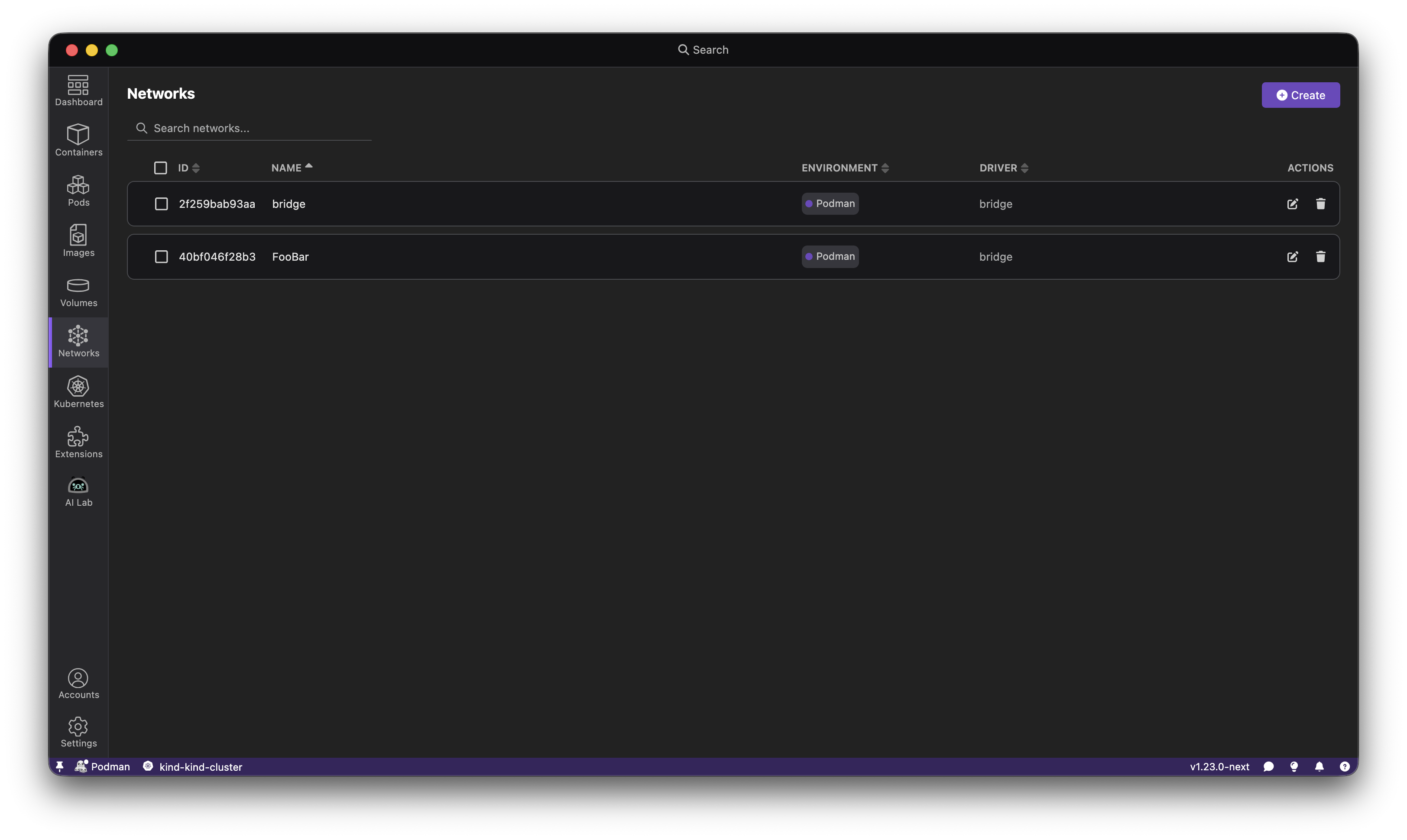
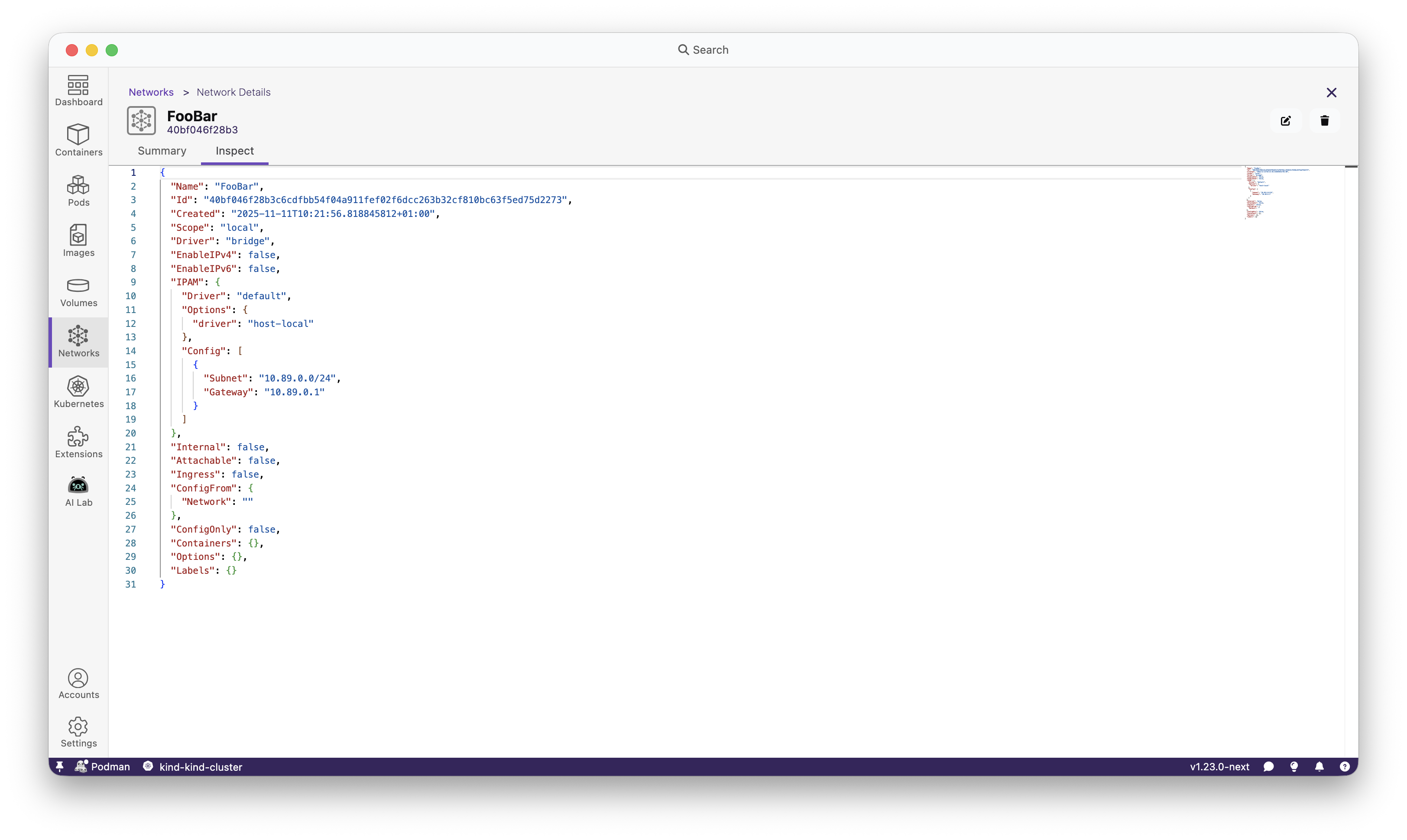
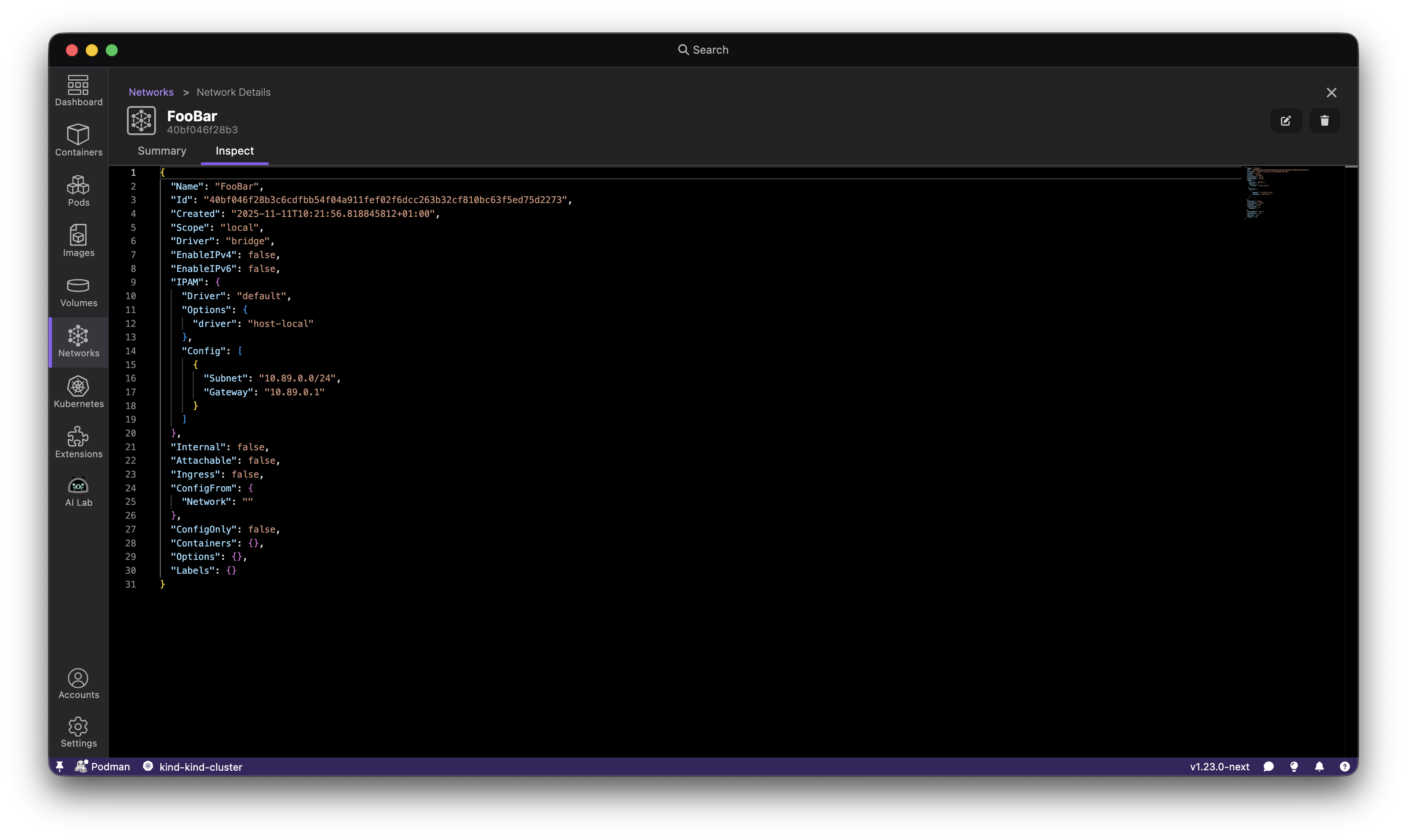
This release introduces a dedicated network page that brings Podman network management directly into Podman Desktop's UI. Previously, managing networks required using the command-line interface, but now you can handle all your networking needs through the new network page.
The network page provides comprehensive visibility into your container networks, displaying essential information including network IDs, names, drivers, and their associated container engine environments.
This feature is particularly valuable when working with complex multi-container applications that require isolated network environments, or when you need to configure custom network settings (such as DNS) for your containers.
The new layout manager feature allows users to customize their dashboard sections and table columns to match their workflow preferences. Users can now reorder dashboard sections, show or hide specific table columns, and tailor their view to display only the most relevant information for their tasks.
The search bar has been enhanced with algorithmic text highlighting, quick navigation to application sections, and the ability to search for Podman resources (containers, images, pods, volumes) directly. The search bar now provides a command palette-like experience for faster navigation throughout the application.
Added rootless or rootful indicator to Podman machines
Podman can run with or without root privileges, in Podman Desktop we received feedback that this nuance was not displayed in the UI, leading sometimes to some issues!
We've listened! We thank those who have used our built-in feedback functionality and submitted feedback.
To address this aspect following user feedback we added an indicator inside the Settings > Resources page to properly display if a machine is rootless or not.
A visual indicator now shows whether each Podman machine is running in rootless or rootful mode in the resources section. This helps users quickly identify the execution mode of their machines, making it easier to diagnose permission-related issues and follow security best practices.
See how you can enable/disable root privileges by editing your Podman machine.
Updated the Podman engine to version 5.7.0. This update fixes one critical bug CVE-2025-52881 as well as adding multiple features and bug fixes. Such as adding enhanced security support for the remote Podman client and podman system service API server, which now supports encrypting connections with TLS and mTLS, including client authentication by certificate; the podman system connection add command has been updated to use this capability when creating connections to TCP sockets.
Podman Desktop now supports managed configuration. Users can add a “managed-by” configuration file to enforce specific settings. This allows system administrators to apply configurations from a global system file. With this release, administrators can deploy a managed settings file to a predefined system location, enabling centralized control over Podman Desktop configurations across an entire organization.
Check out more details in this demo done by @cdrage:
Podman Desktop now automatically creates a Docker context for each registered Podman machine, improving interoperability with Docker tooling. Each context is prefixed with podman- and derived from the Podman machine name, allowing users to seamlessly switch between contexts using the standard docker context use command.
🎉 We’d like to say a big thank you to everyone who helped to make Podman Desktop even better. In this
release we received pull requests from the following people:
The complete list of issues fixed in this release is available here.
Get the latest release from the Downloads section of the website and boost your development journey with Podman Desktop. Additionally, visit the GitHub repository and see how you can help us make Podman Desktop better.
Developing containerized applications can sometimes feel complex, but with the right tools, it can be a smooth and efficient process. In this blog post, we'll explore how to leverage the power of Visual Studio Code (VS Code) together with Podman and Podman Desktop to streamline your container development workflow. We'll cover setting up and using two VS Code extensions that integrate with Podman.
VS Code is a popular and versatile code editor that can be extended to enhance its functionality. For container development, several excellent extensions integrate seamlessly with Podman.
To integrate VS Code with Podman, we have 2 extensions as options:
Microsoft’s Container Tools extension: The "Container Tools" extension provides excellent support for container-related tasks, including building images, managing containers, and working with Containerfiles and Dockerfiles. Microsoft recently announced that they will be evolving the Docker extension into the Container Tools extension to support other tools like Podman!
Pod Manager: This extension was created by one of the members of our community and is completely open source. It is designed to help you manage Podman containers, images, volumes, and networks directly from the VS Code interface.
While it's unlikely that you would use both extensions simultaneously, comparing them will help you understand the strengths and weaknesses of each, ultimately making it easier to select the one that best fits your needs. So for this blog post, we'll install them one by one.
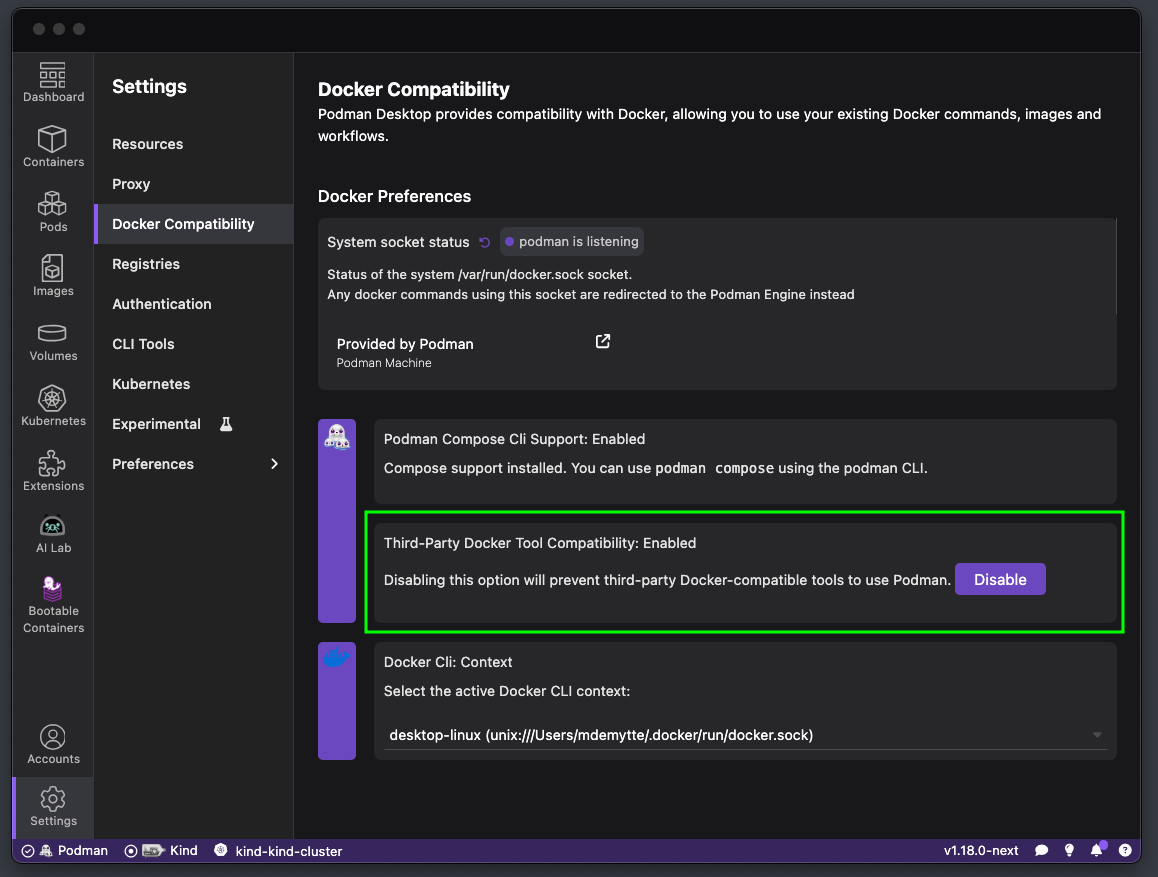
The Container Tools extension usually automatically detects Podman if Docker isn't running, by looking at the DOCKER_HOST environment variable. In Podman Desktop navigate to Settings > Docker Compatibility > Third-Party Tool Compatibility and make sure the option is enabled. Learn more about the Docker Compatibility in our documentation.
Both extensions provide syntax highlighting, code completion, and linting for Containerfiles and Dockerfiles. Open a Containerfile in VS Code, and you'll immediately benefit from these features.
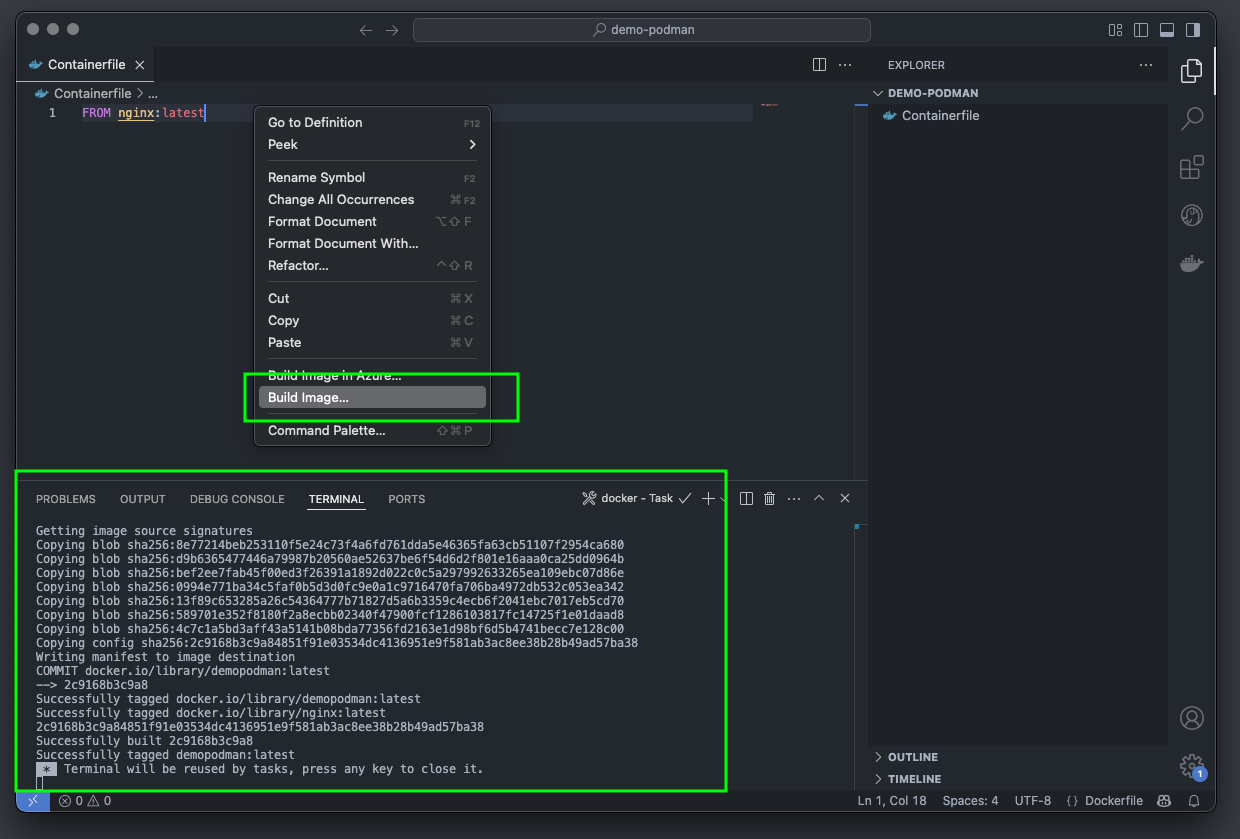
You can also build images directly from VS Code:
Right-click on the Containerfile in the Explorer view.
Select "Build Image".
VS Code will prompt you for an image name and tag.
The extension will then build the image using Podman.
After that you will see the built image in the sidebar.
If you are using the CLI commands to build images, you will also see them here.
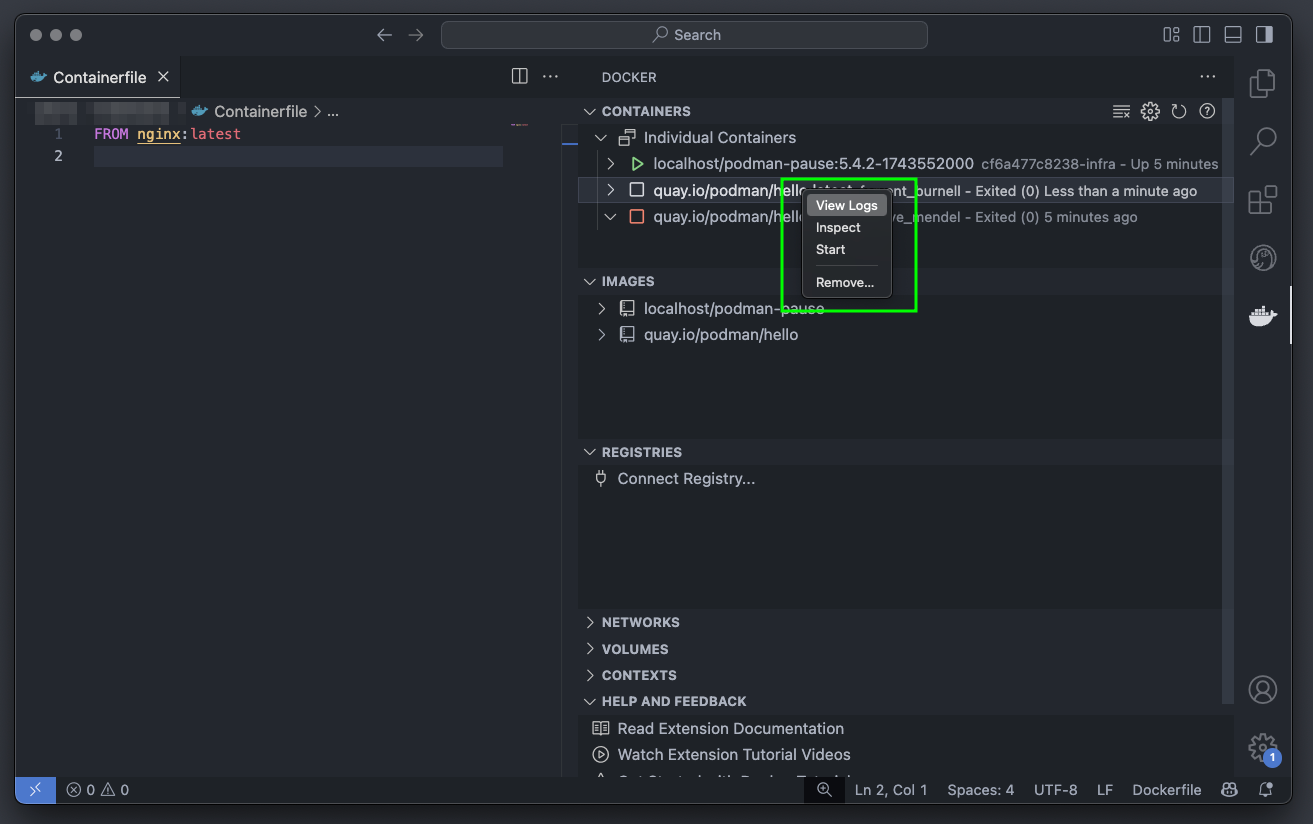
The extensions also allow you to manage containers directly from VS Code. You can start, stop, restart, and remove containers, as well as view their logs and inspect their configuration.
To view the container logs:
Click on the Container icon in the Activity Bar.
You'll see a list of your containers, images, and networks.
Right-click on a container to perform actions.
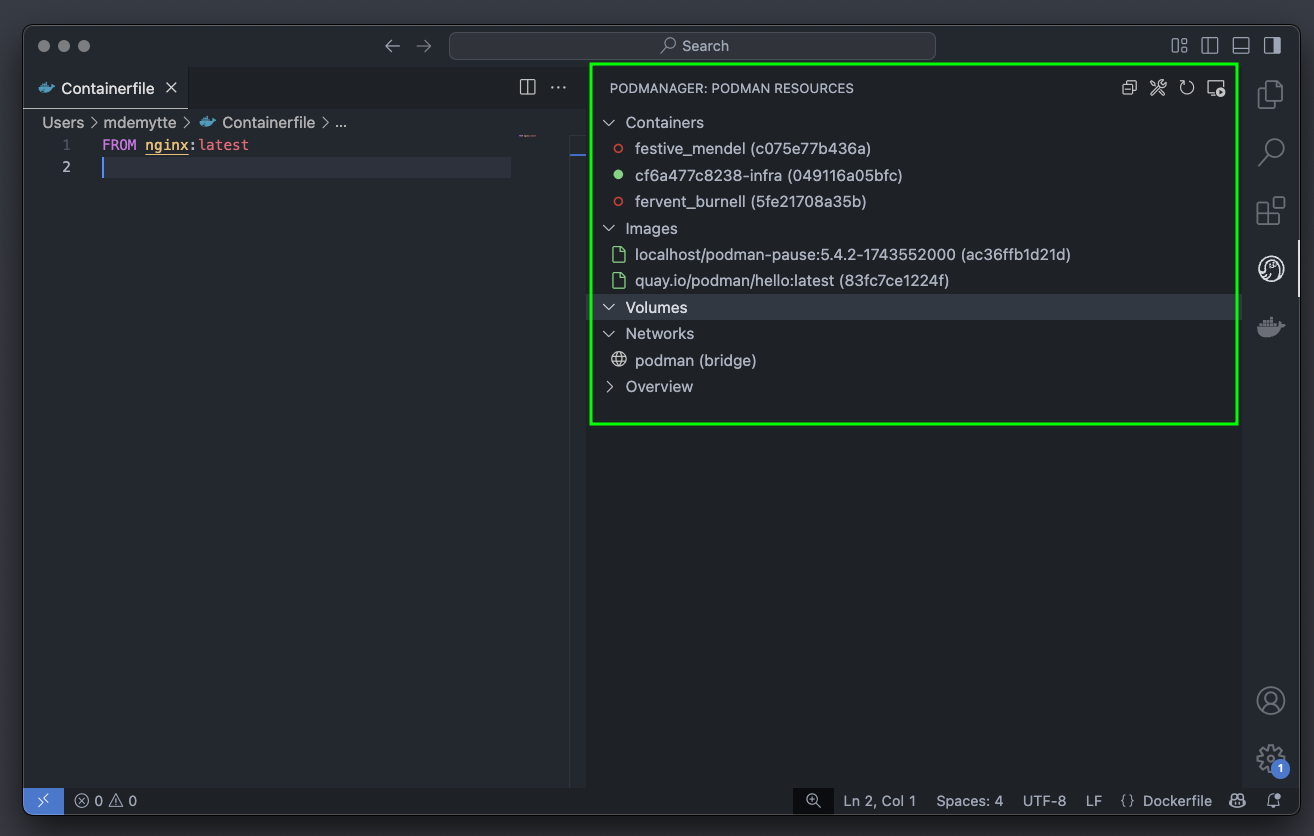
Similarly using the Pod manager extension we can visually inspect containers, images, and volumes.
Click on the Pod manager icon in the Activity Bar.
You'll see a list of your containers, images, and networks.
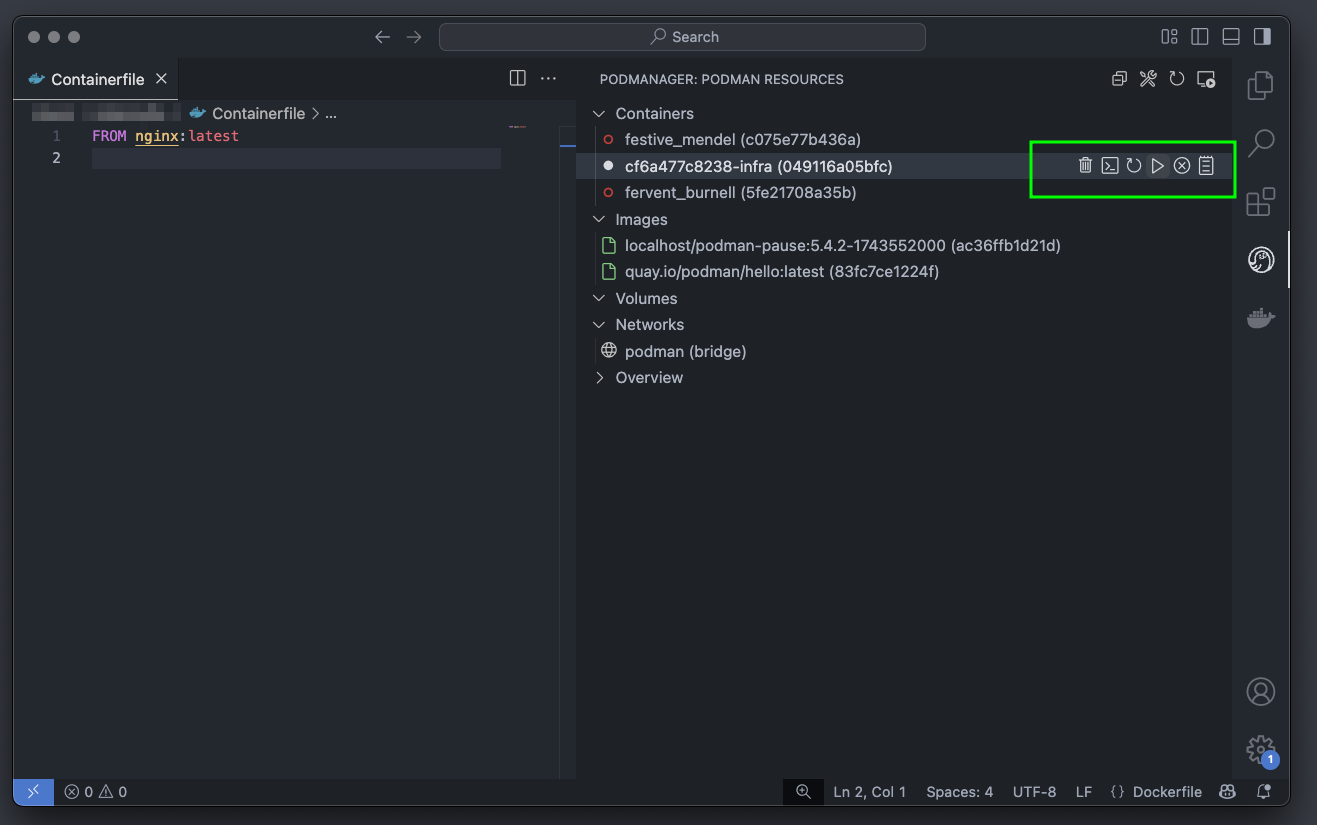
and manage the container lifecycle.
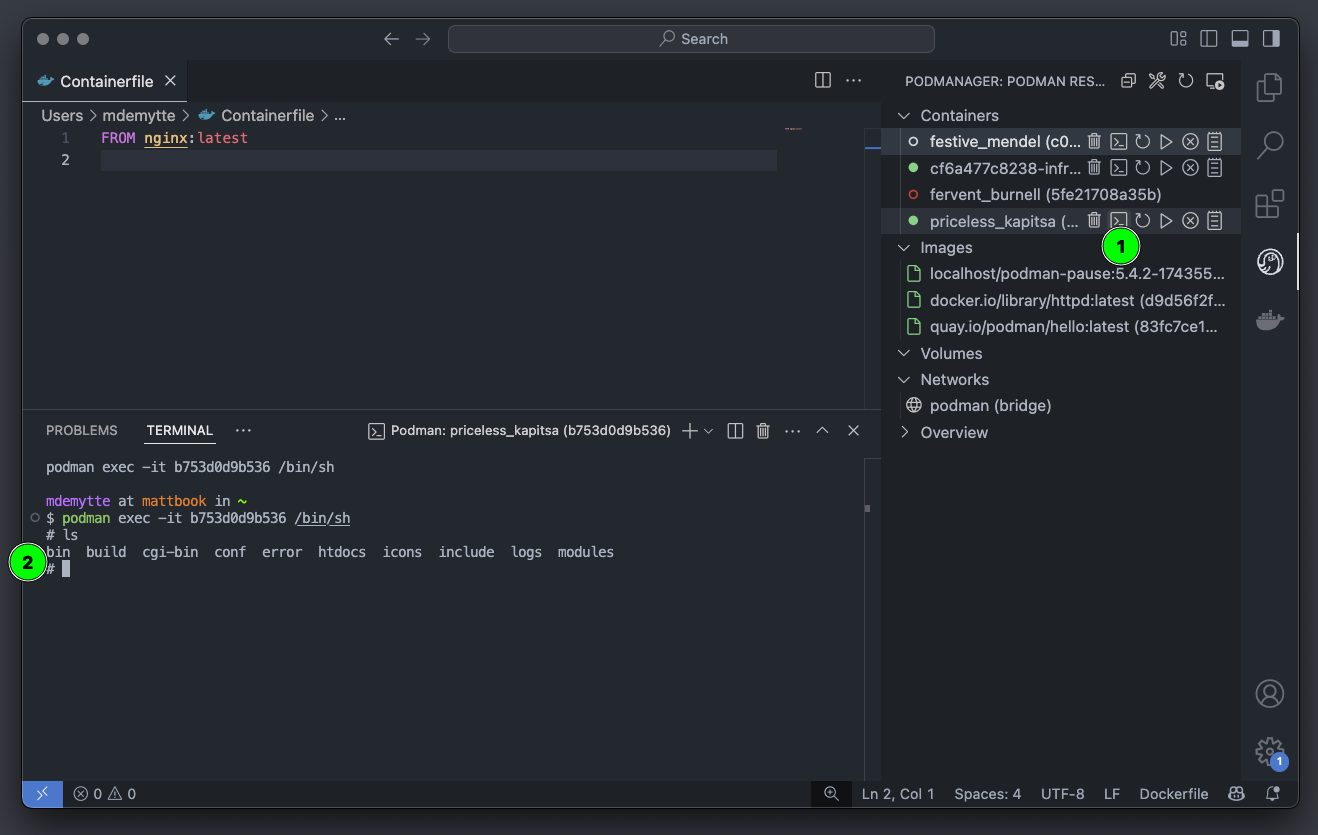
and of course troubleshoot issues with a visual interface.
In comparison, both extensions provide a nearly identical set of features, so it is really up to you which UI you prefer. Personally I will stick with the Pod Manager because the logo is a seal 🦭. Remember if you encounter any issues using these tools or with Podman Desktop let us know by starting a discussion or creating an issue.
By combining the power of VS Code, Podman, and Podman Desktop, you can create a streamlined and efficient container development workflow. The VS Code extensions provide excellent integration with Podman, allowing you to manage containers, build images, and work with Containerfiles directly from your code editor. We are excited to see that Microsoft is embracing Podman and building support into their ecosystem. Podman Desktop complements this with a visual interface for managing your container environment and will help to move from your development environment to a production Kubernetes environment. Embrace these tools and elevate your container development experience!